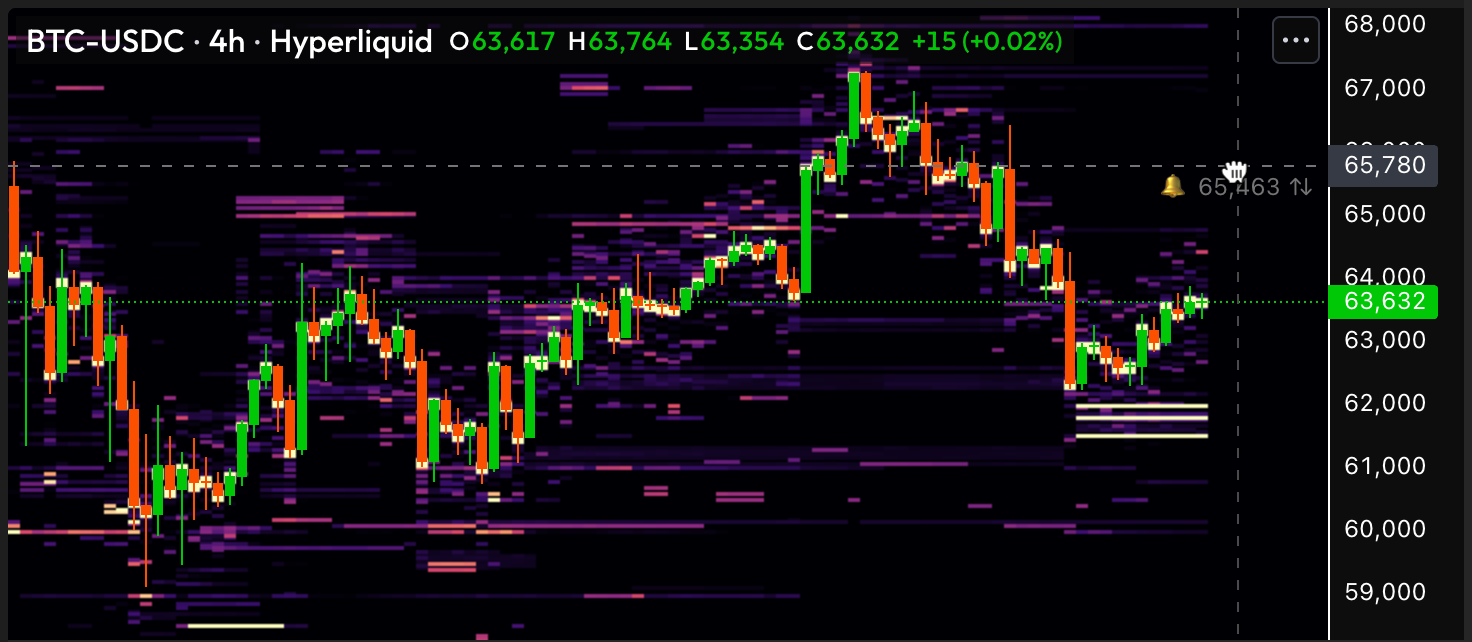
Alerts
Set alerts to get notified in the Web App or on Telegram
On Velo, it is possible to create alerts for any of the combinations below.
| Indicator | Direction | Unit | Timeframe | Crossing |
|---|---|---|---|---|
| Price | Close | - | - | Up / Down / Any |
<Velo> Volume | Total / Buy / Sell | Dollars / Coins | 1m / 5m / 15m / 1h / 4h / 1d | Up |
<Velo> Liquidations | Total / Buy / Sell | Dollars / Coins | 1m / 5m / 15m / 1h / 4h / 1d | Up |
<Velo> Open Interest | Close | Dollars / Coins | - | Up / Down / Any |
Notifications
It is possible to get an alert notification through two different channels, either through the Velo web app or through Telegram. You can choose the notification channel when creating an alert.
Web notification
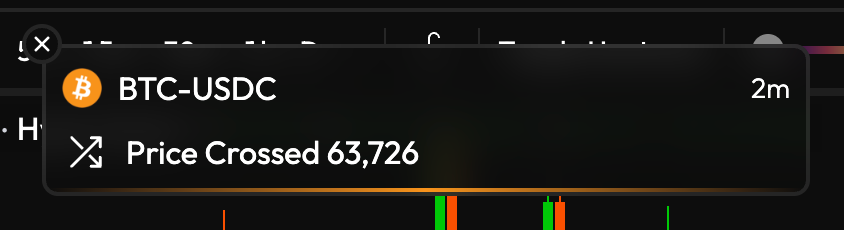
A web notification looks as follows and will trigger a sound effect as well. Upon clicking on the notification, you will be navigated to the symbol and timeframe.
Telegram notification
To enable Telegram notifications, you will need to connect your Velo account to the Velo Alerts bot.
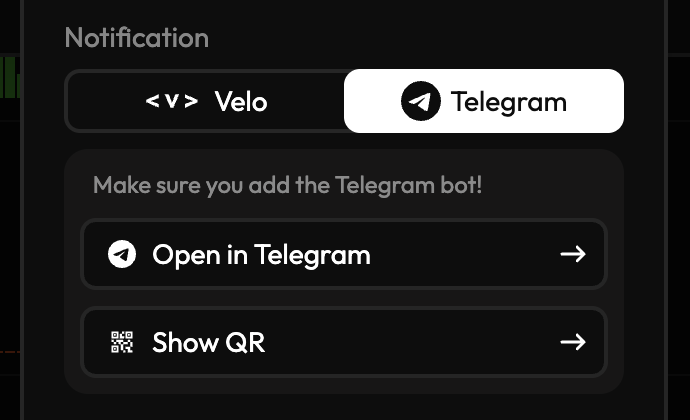
After adding the bot through the deep link or the QR code, you should see the message:
Successfully linked chat to: <your Velo email>
Alerts that are created with the Telegram option will now send a notification on the Telegram app instead of the web app when triggered.
Tips for managing alerts
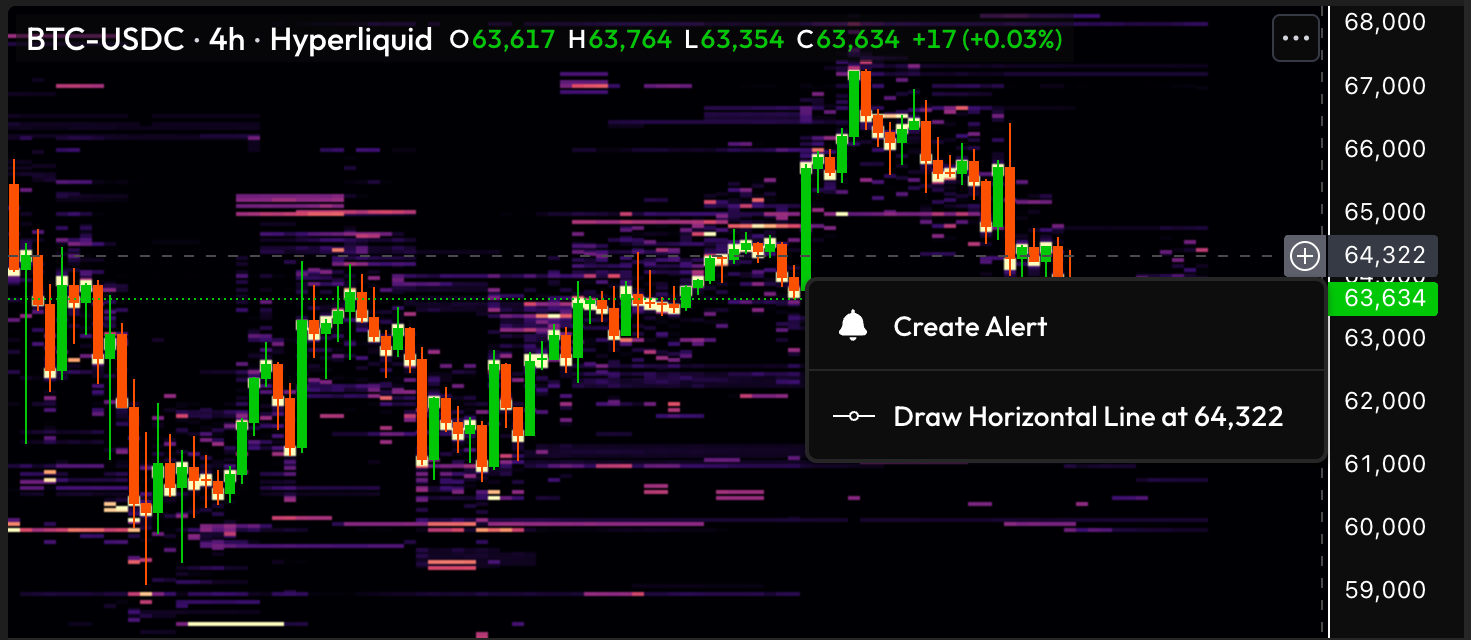
Create alerts with plus-menu
For a quicker way to create alerts, you can use TradingView's native plus-menu.
Drag-edit alerts
If you hold and drag an alert, you can quickly adjust the value at which it should trigger.